Screen sizes measure glass not chassis
Screen sizes describe a panel from corner to corner. They do not tell you the thickness of the bezel, the depth of the hinge, or the height of the rubber feet on the bottom plate. Two laptops with identical 15.6 inch displays can sit an inch apart in width once you put them on the cutting mat. We build around the outer shell rather than the picture area.
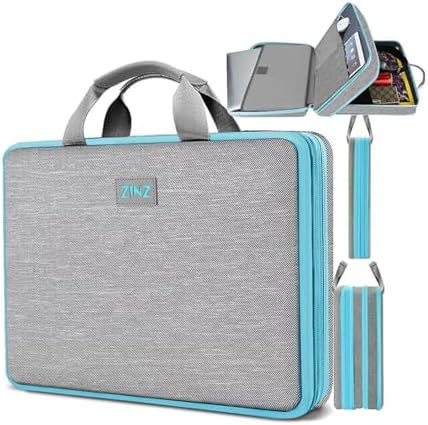
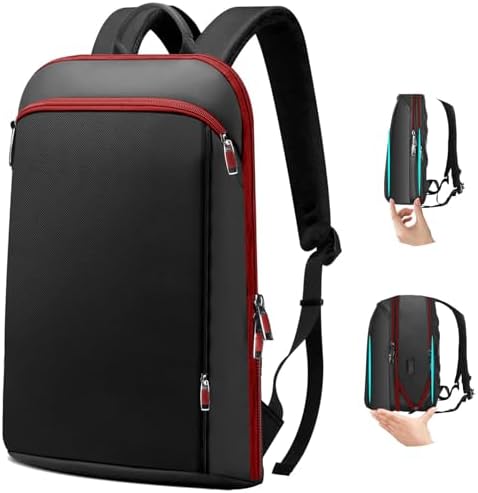
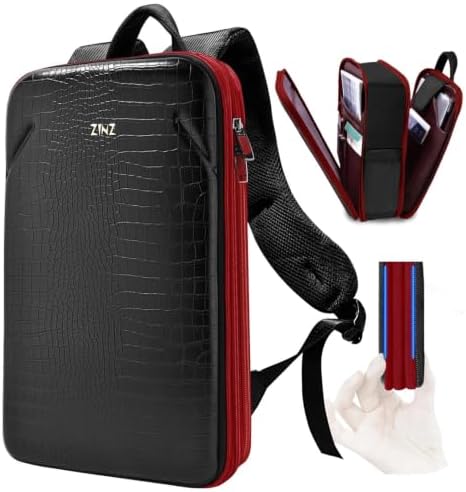
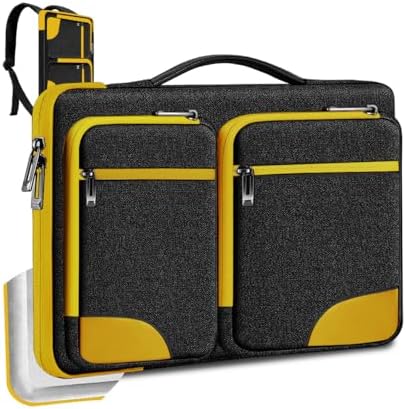
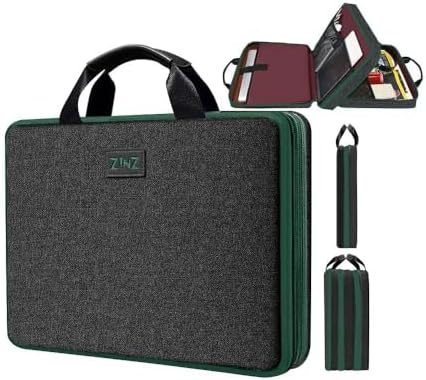
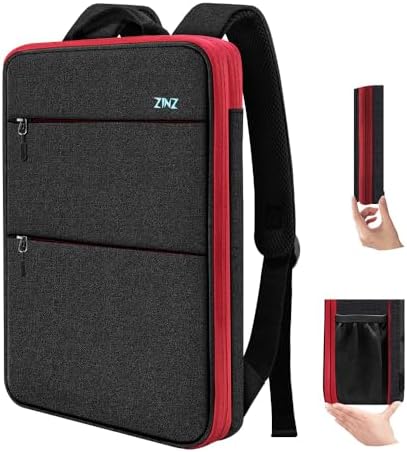
Inside our workshop, 41 items across the catalogue print a screen size on their spec sheet. That includes 19 laptop backpacks and 15 laptop sleeves and cases designed around specific device envelopes. If you buy a bag based purely on the display diagonal printed on your retail carton, you are guessing at the perimeter of the casing.
Why newer machines share older pockets
A classic 15.6 inch laptop with wide plastic borders often shares the exact footprint of a modern 16 inch machine with thin borders. The display grew while the metal casing stayed the same size. We cut our compartments to fit the chassis perimeter, which is why you see 15.6 and 16 listed side by side across our sleeves and bags.
We cut internal sleeves for screen numbers from 14 inches up to 17 inches, including 15, 15.4, 15.6, and 16 inch profiles. Padded foam walls compress around the machine to keep it upright, but the frame must accept the outer corners without forcing the zipper track against metal edges.
Three measurements you need to check
Pull a rigid ruler across your closed computer. Do not use a soft tailor tape that bends around corners, because you need straight point-to-point numbers.
- Width across the widest edge from left corner to right corner
- Depth from the hinge back to the front opening edge
- Thickness measured while the screen lid rests flat on the base plate
Expansion gussets and padded pocket limits
Adding gear to a bag changes the interior tension. Across the 34 models built for specific devices, 27 carry our perimeter expansion zip. Opening that expansion gusset gives you extra depth in the main cargo space for chargers and clothing, but it does not change the cut of the dedicated padded sleeve.
The laptop sleeve remains fixed against the back panel for balance. Three of these models also integrate an external USB pass-through port routed beside the main compartment. When you pack thick power bricks, keep them in the expanded front section so they do not press against the laptop sleeve.
Allowing room for protective corner bumpers
We line our computer compartments with dense foam padding along the front, back, and bottom rim. That material absorbs daily bumps during transit, but it takes up internal space. If your laptop measures right at the maximum tolerance of the pocket, sliding it in will pull the seams tight and wear the zipper teeth prematurely.
Leave a finger width of clearance along the top opening. A snug fit stops the chassis from shifting while you walk, yet it should never require two hands to pry the machine out of the pocket. If you keep a hard plastic snap-on shell on your machine, add its thickness to your base measurements before checking pocket specs.